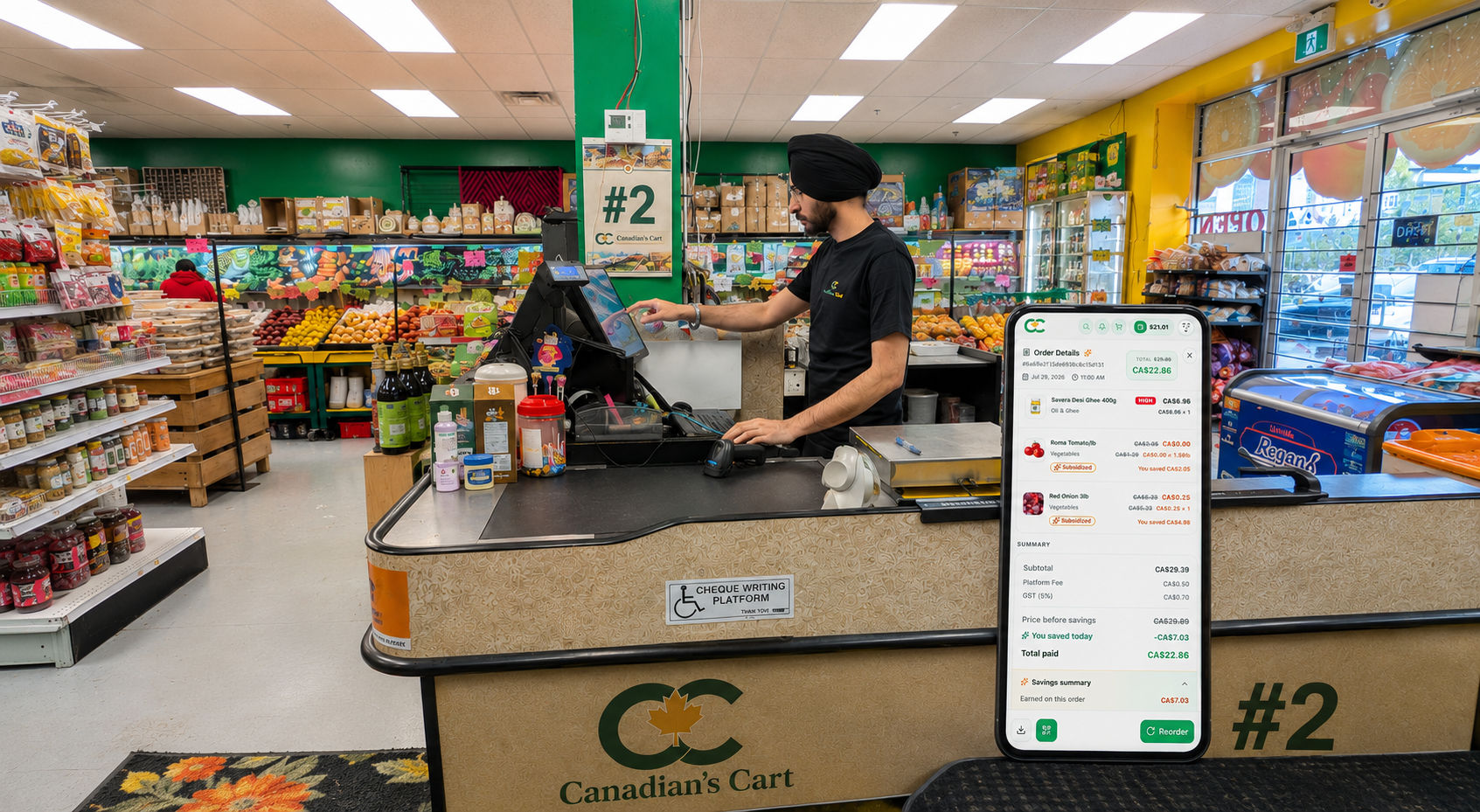


Purchase items and save up to 30% on everyday groceries — subsidised exclusively for Canadian families.

This Week's Savings
$22.91 saved
On your 4-item cart · up to 30% off
Your Subsidised Cart
4 itemsSher Atta 20lb
Basmati Rice 1kg
White Bread 480g
Dairy Milk 38g
Placing order at
Abbotsford Store

Pick a budget pack, spend at the store, and get gift subsidy straight into your wallet. Use it to pay for essentials — free.
Buy $21 of groceries, get $4.41 in free gift subsidy to use on subsidized items.
Buy $34 of groceries, get $7.14 in free gift subsidy — more you spend, more you save.
Everything you need to know about Candian's Cart and how it works for your family.
You save money by using subsidies on subsidized items. When your order has at least C$21 of regular items before tax, the app shows subsidies you can use. The more money you spend on regular items, the more subsidies you can receive. You can use those subsidies right away on subsidized items in the same order, or save them in your Gift Wallet for later. When you use subsidies, your total becomes lower and you pay less at the store.
You earn subsidies when your order has at least C$21 of regular items before tax. Regular items are items that are not subsidized. Once your order reaches C$21 before tax, the app shows the subsidies you can receive. If you spend more on regular items, your subsidies can also increase.
Subsidies are like reward money in the app. They help you pay less for subsidized items. You receive subsidies based on how much you spend on regular items. You can use subsidies right away when they are shown in your order, or keep them saved in your Gift Wallet for a future order.
Subsidies can be used only on subsidized items. These are special items where you can pay less using subsidies. Subsidized items may include milk, vegetables, fruits, and selected daily grocery items.
You can use your subsidies at your selected store on subsidized items only. Subsidies do not work on every item. They only work on items that are marked as subsidized.
Yes. You can shop in two ways. You can add items to your cart in the app and tap Pay at Store to place your order. You can also go directly to your selected store and shop like regular grocery shopping. At checkout, the cashier can scan your ID and place the order for you.
Choose the items you want and add them to your cart. At checkout, the app shows any subsidies you can use on subsidized items. If you use subsidies, your price becomes lower. If you do not use your subsidies, they will stay saved in your Gift Wallet for later. Then tap Pay at Store and pay when you visit the store.
Yes. You can go directly to your selected store and shop like you normally do for groceries. At checkout, the cashier can scan your ID and place the order for you. If you have subsidies in your Gift Wallet, they can be used on subsidized items.
Your subsidies do not disappear. If you do not use them, they stay safely saved in your Gift Wallet. You can use them later on future orders when you buy subsidized items.
Tap Sign Up and choose your city. Then select the store you want to shop from, enter your details, and add your referral code if you have one. After you verify your email, your account will be ready. Please choose your store carefully because it cannot be changed later.